THE COMPLETE CREATIVE TOOLKIT FOR AFFINITY
Your Creativity. Your Tools. Your Rules.
Hundreds of creative resources, a course on making your own brushes, and a browser-based effects generator — everything you need to bring your ideas to life in Affinity.
INCLUDED IN THE SUITE
The Ultimate Creator Bundle
The Art of Brush Creation
The Effects Studio
BLACK FRIDAY SPECIAL · All three products (combined value €141)
€67 · One-time purchase
Instant digital access · No subscription · Affinity V2 & V3 · Commercial use included
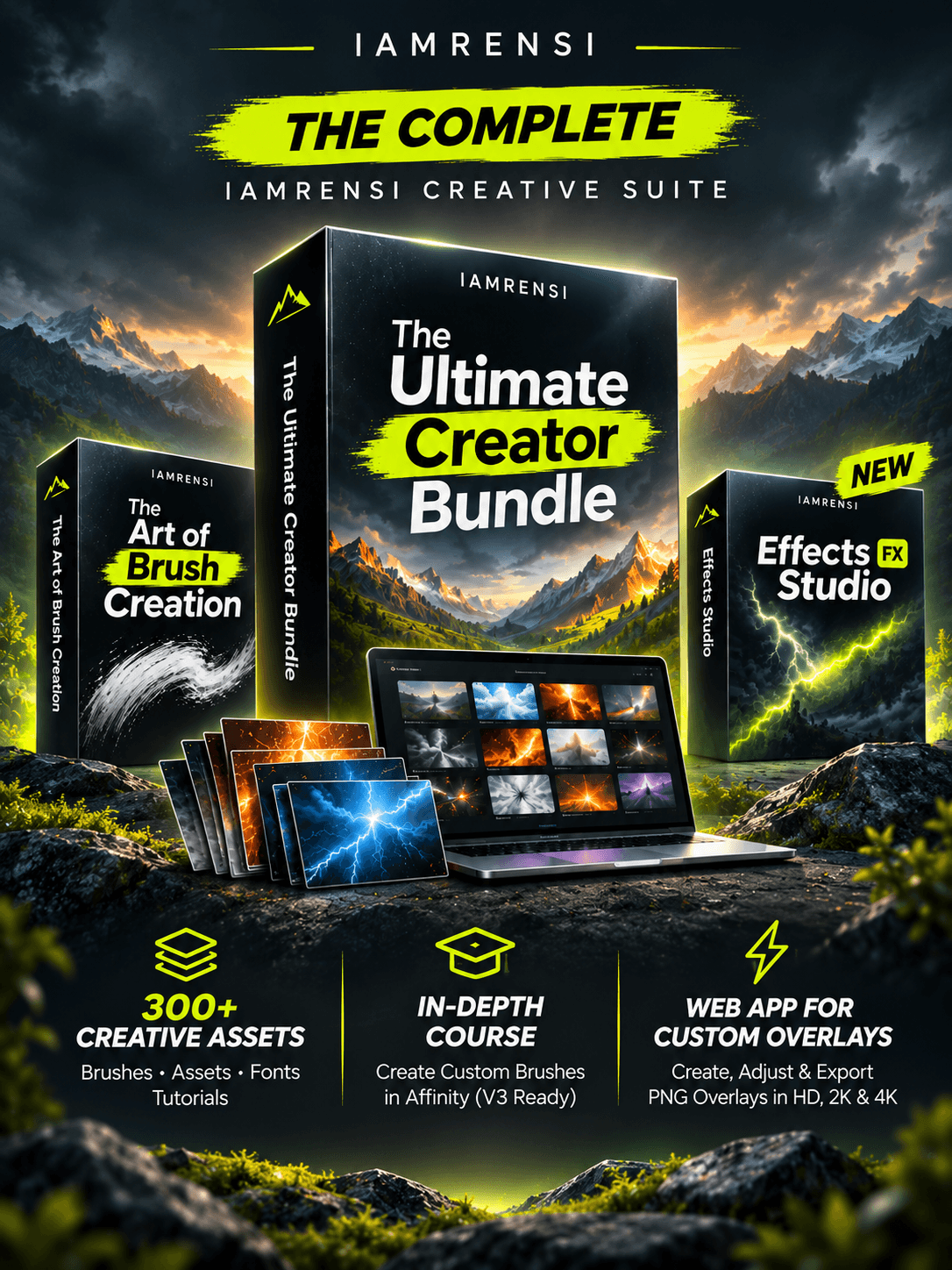
EVERYTHING YOU NEED TO GET CREATIVE
Three Creative Products. One Complete Toolkit.
Ready-made resources, new skills, and your own effects generator. Whether you're just starting out or have been creating for years, there's always more to explore.
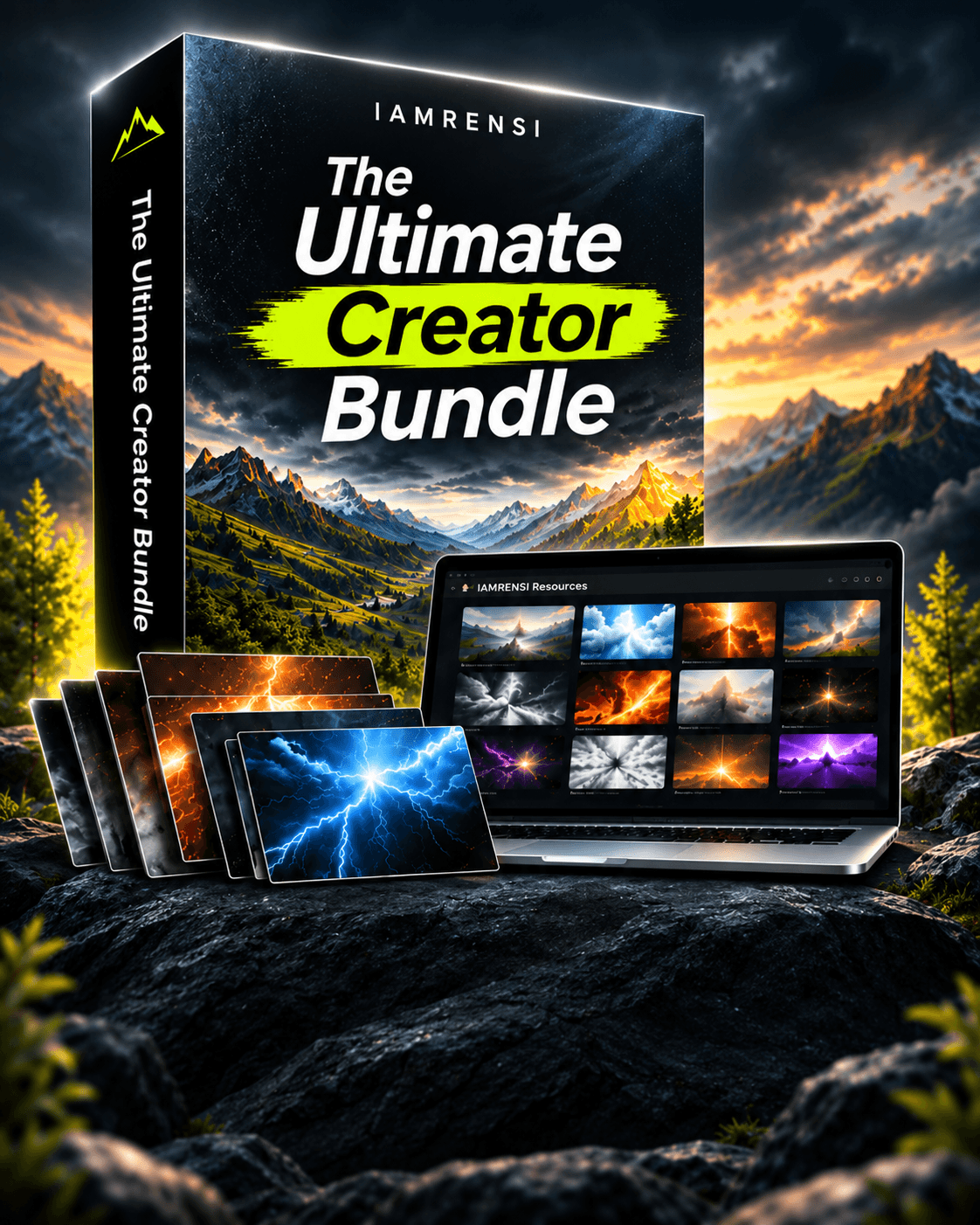
ULTIMATE CREATOR BUNDLE
Create Faster. Explore More.
Hundreds of brushes, drag-and-drop assets, handmade fonts, and video tutorials — from lightning and fire to clouds, smoke, and water.
250+ Brushes · 50+ Assets · 4 Fonts · 20+ Tutorials
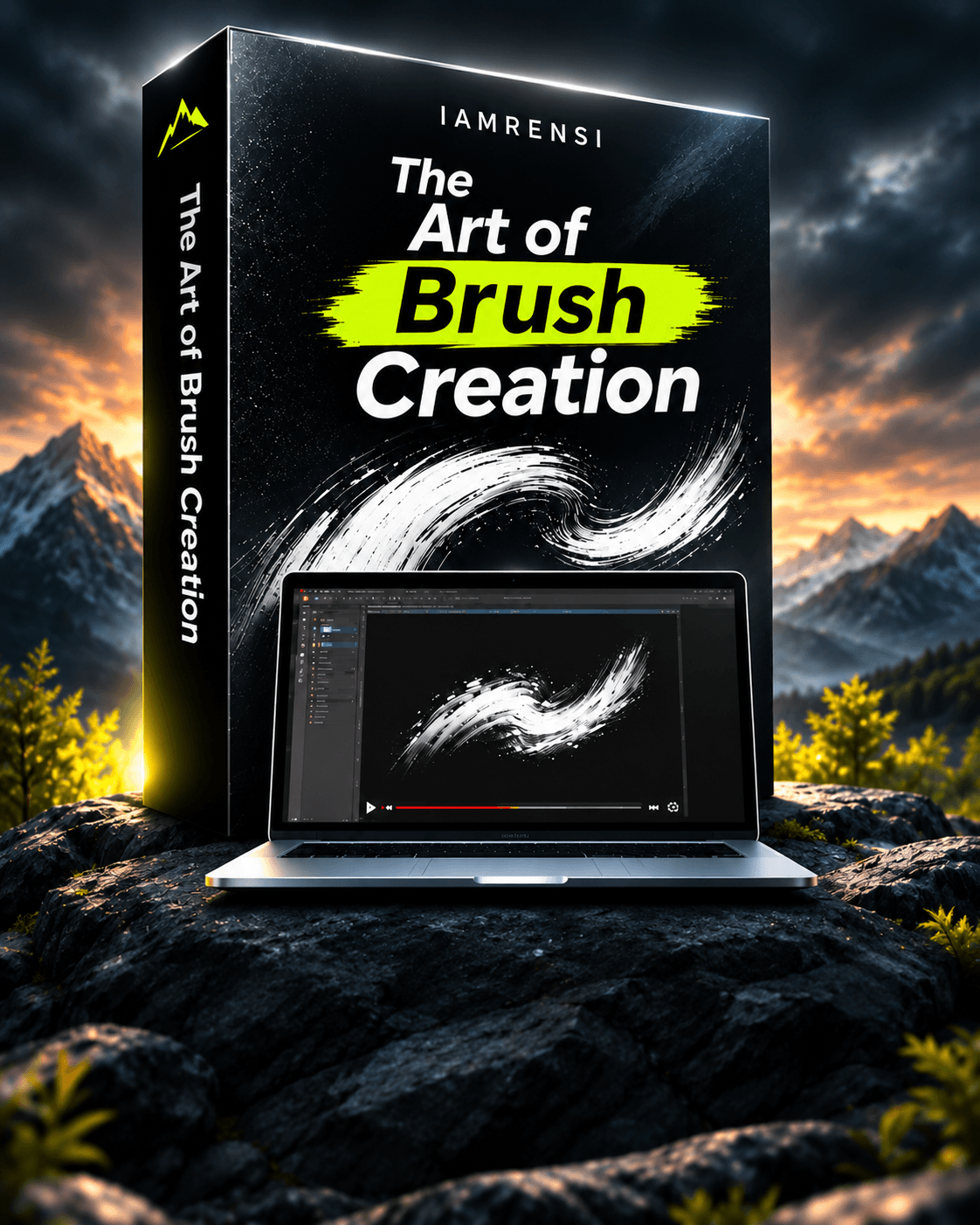
THE ART OF BRUSH CREATION
Don't Just Use Brushes. Create Your Own.
Design, build, and customize your own brushes in Affinity with 18 step-by-step video lessons and practice files.
18 Video Lessons · Practice Files · Creative Techniques
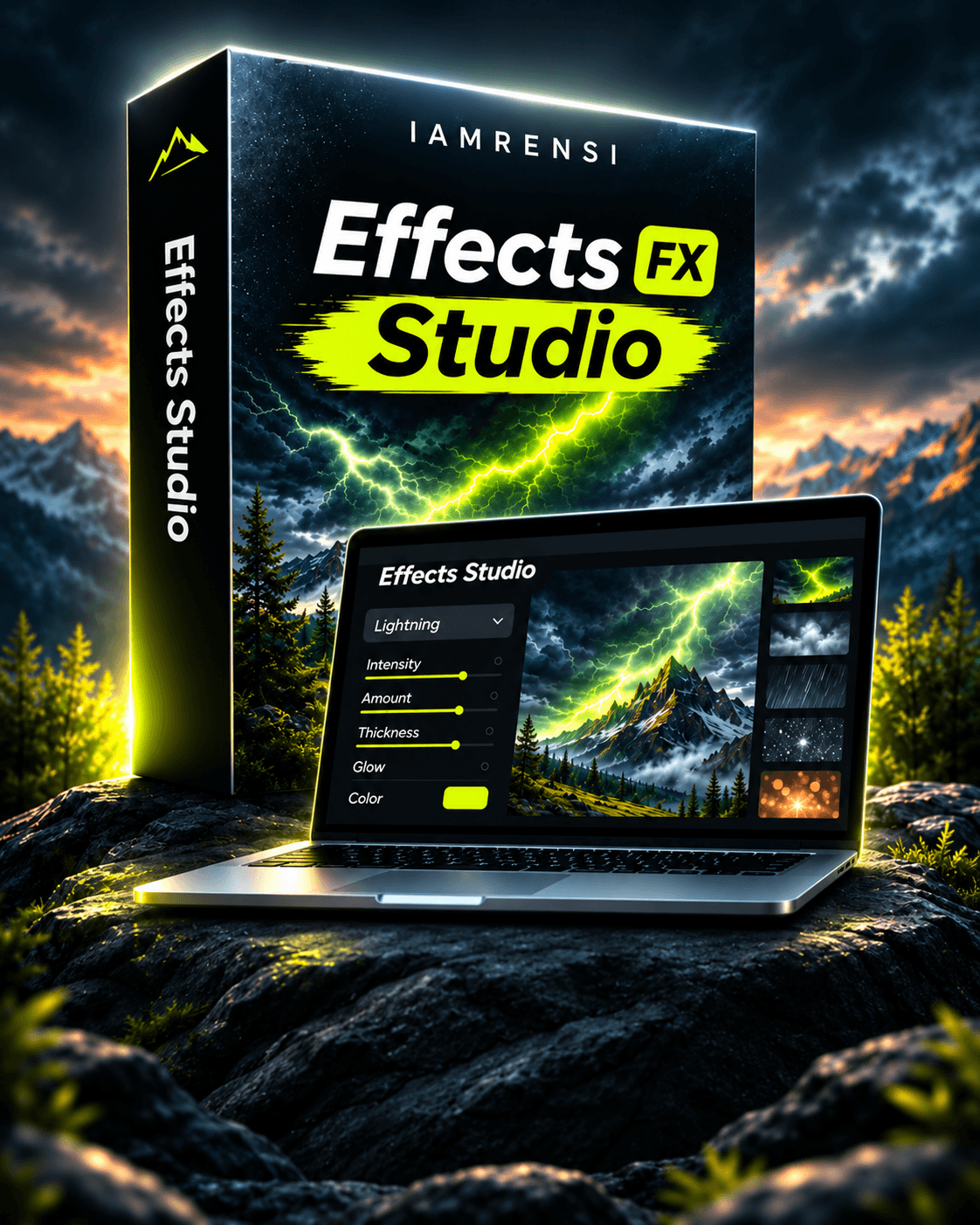
THE EFFECTS STUDIO · NEW
Your New Creative Playground.
Generate effects in your browser, preview them on your photos, and export transparent PNG overlays.
Unlimited Variations · Live Preview · Up to 4K Export
NEW · IAMRENSI EFFECTS STUDIO
Your Creative Playground Just Got Bigger.
Create your own lightning, fog, rain, snow, and more — right in your browser. Adjust every detail, preview it on your photo, and export a ready-to-use overlay. No more searching through endless overlay packs.
● ● ● IAMRENSI Effects Studio — runs in your browser

STEP 01
Choose Your Effect.
From dramatic lightning to subtle atmosphere, in a growing collection.
STEP 02
Make It Your Own.
Fine-tune the settings and explore variations until it's right.
STEP 03
Preview on Your Photo.
Upload your own image to see the result before exporting.
STEP 04
Export & Create.
Download a transparent PNG, up to 4K resolution.
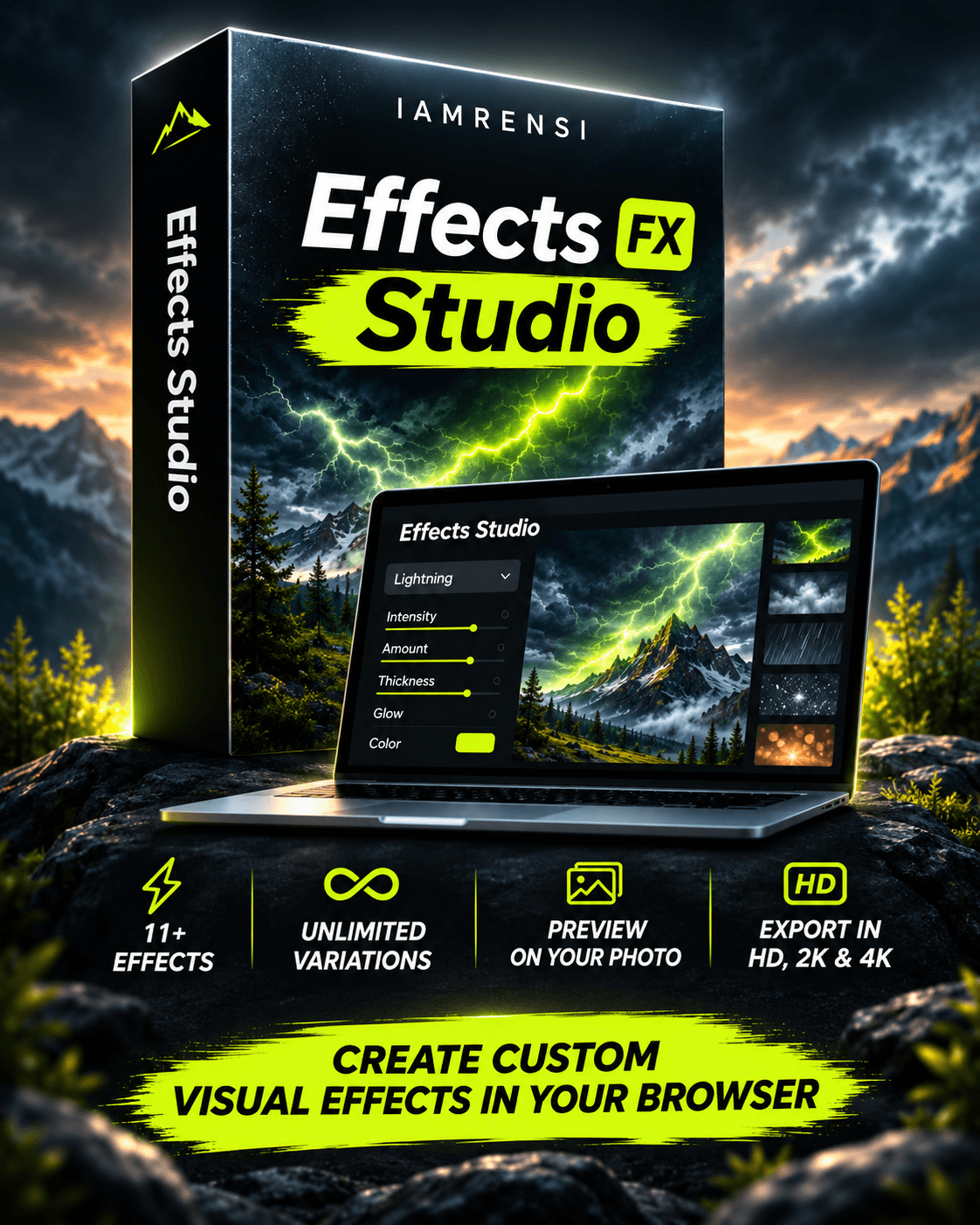
Built for Creative Experimentation.
Unlimited variations of every effect
Live preview on your own photos
Transparent PNG export, up to 4K
A growing collection of effects
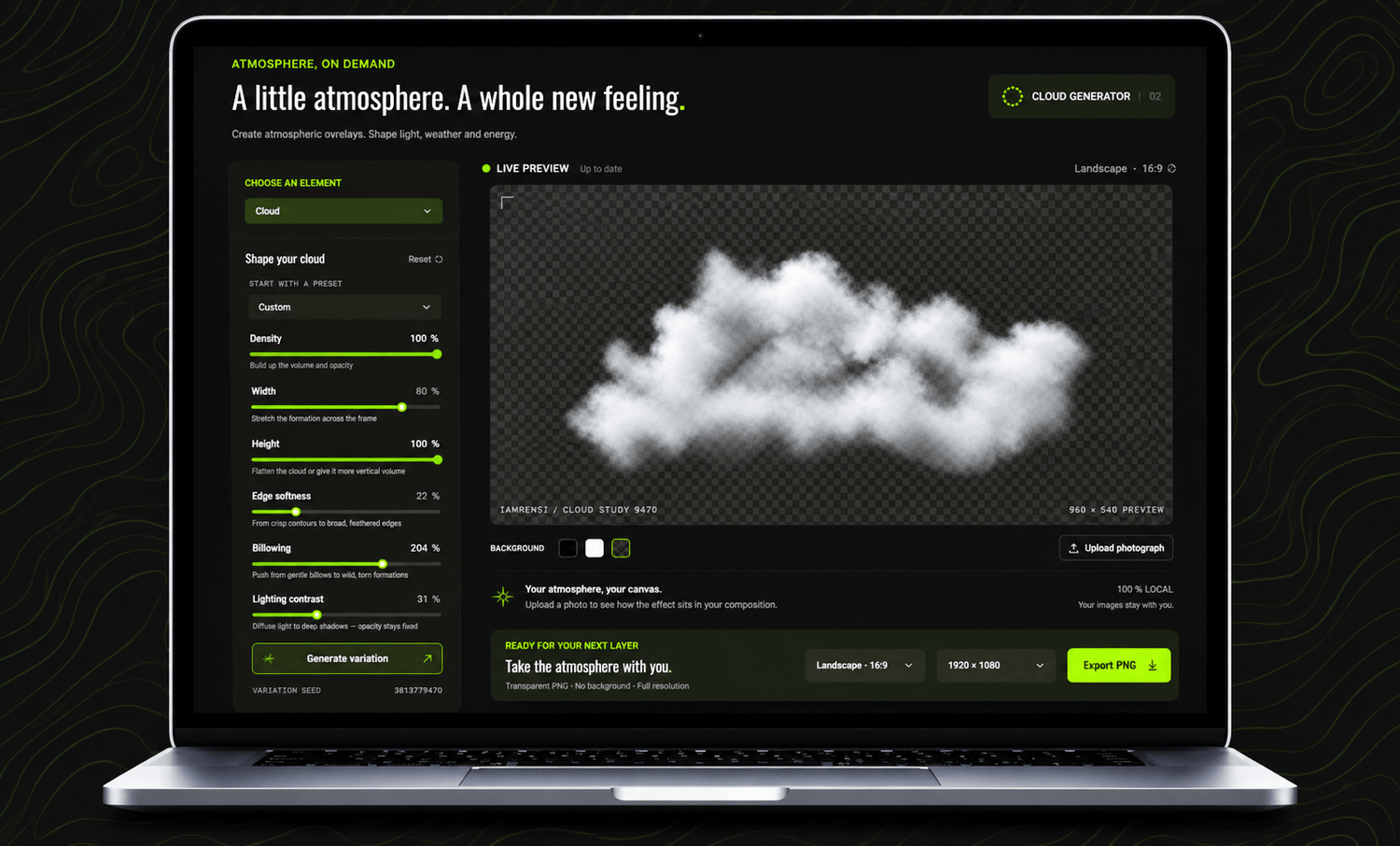
No installation. No complicated setup. Just open your browser and start creating.
SEE WHAT'S POSSIBLE
A Little Creativity Changes Everything.
Sometimes it's the finishing touches that make all the difference. Glowing energy, atmospheric effects, and imaginative composites can turn an ordinary photo into something extraordinary.
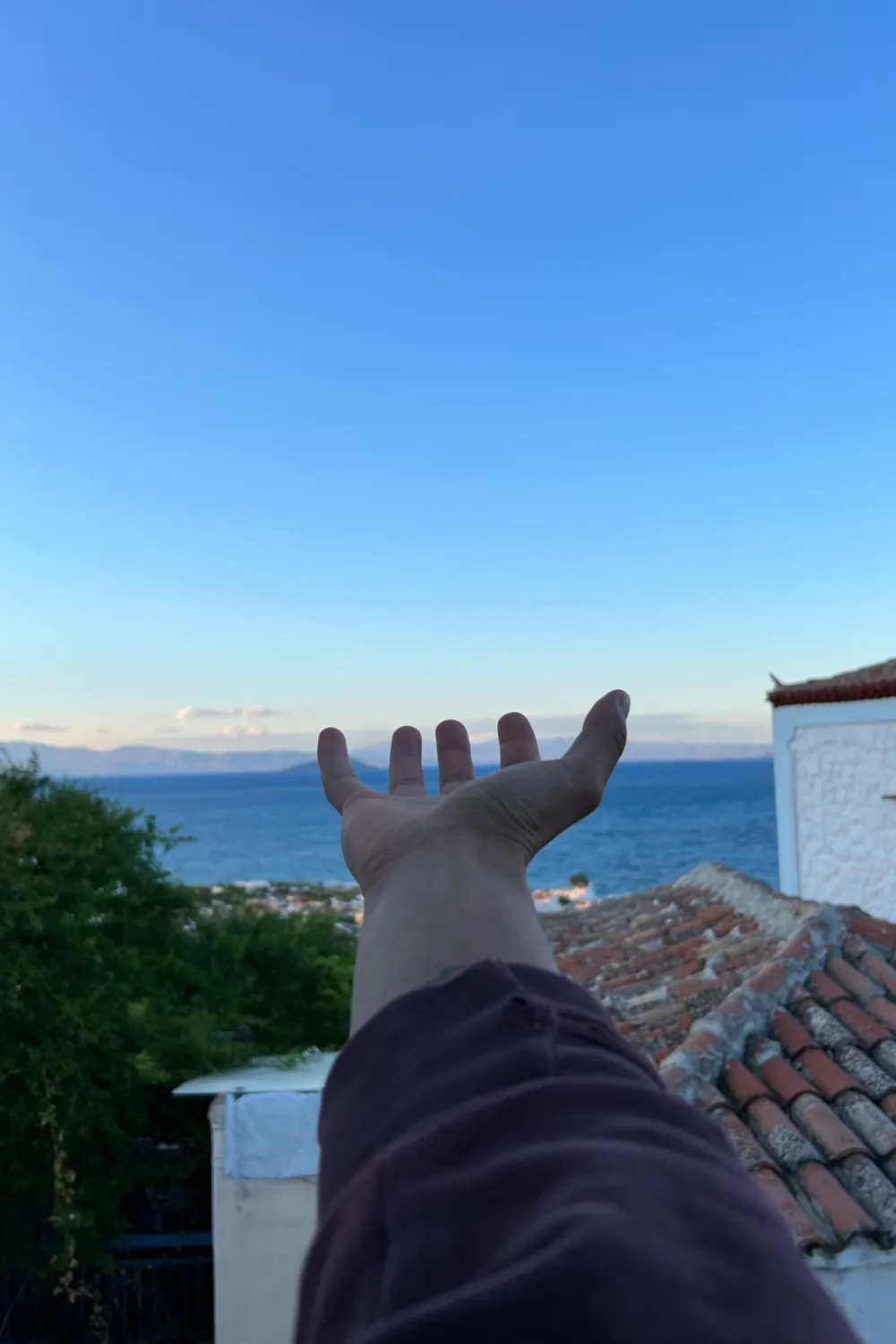
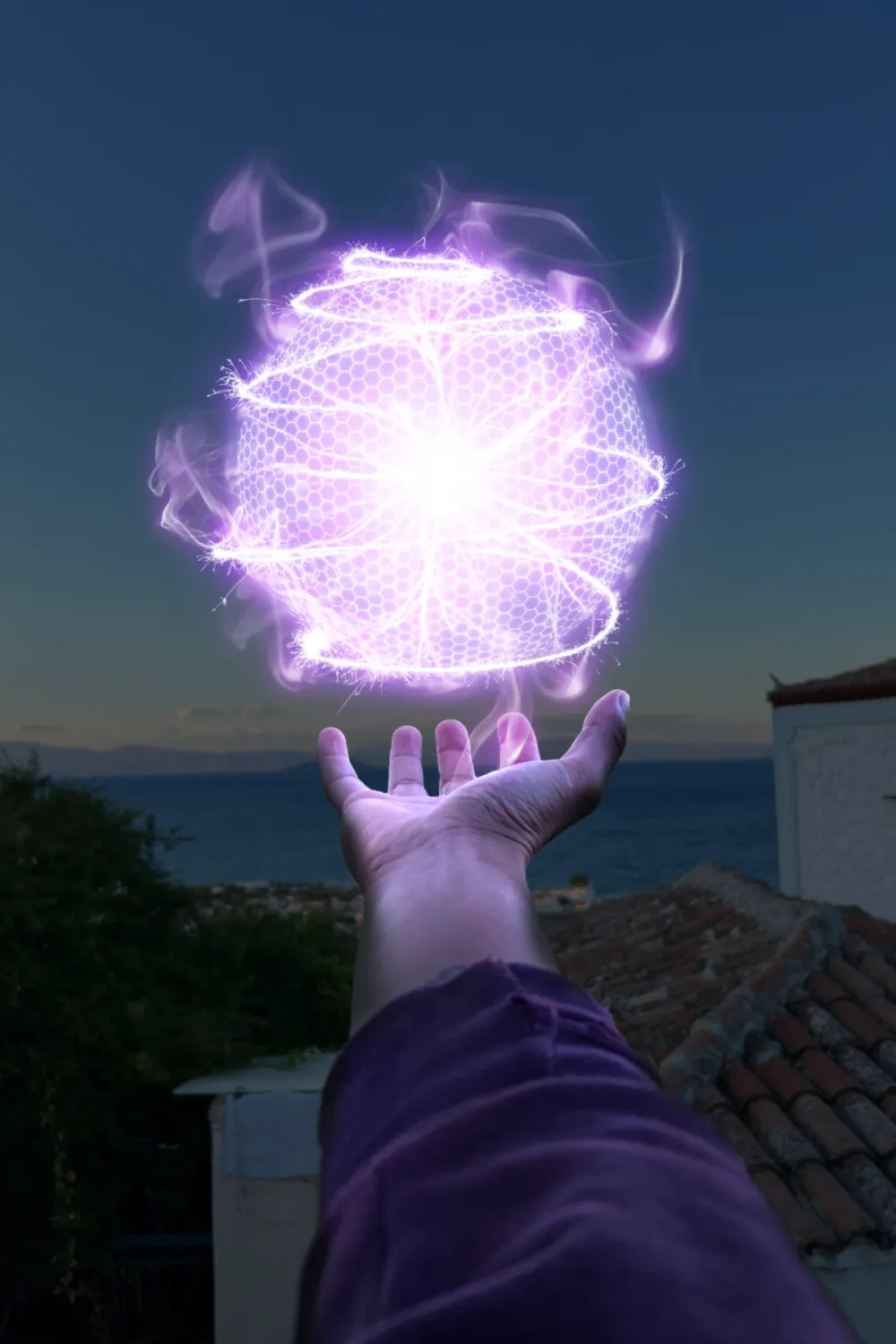 BEFOREAFTER
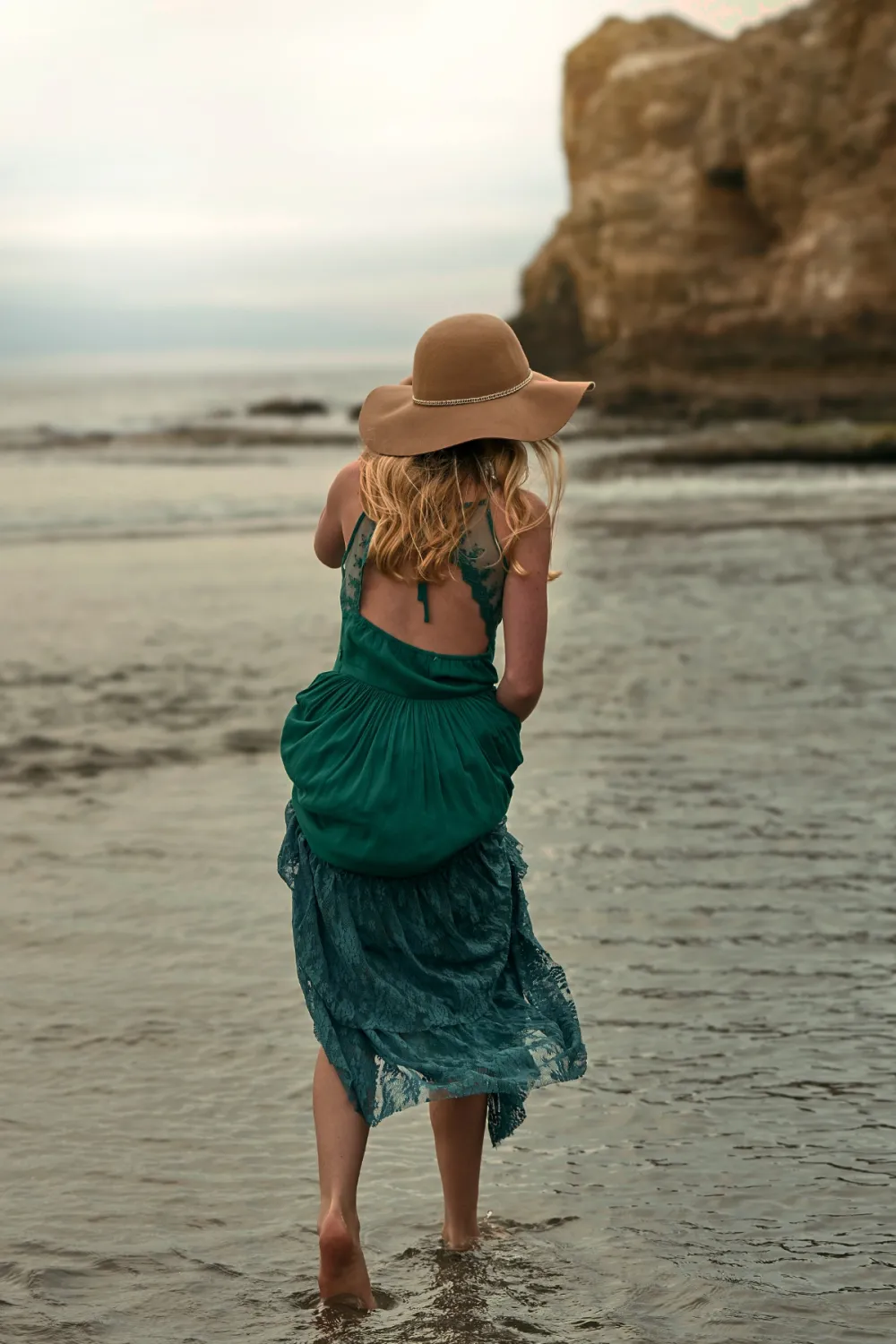
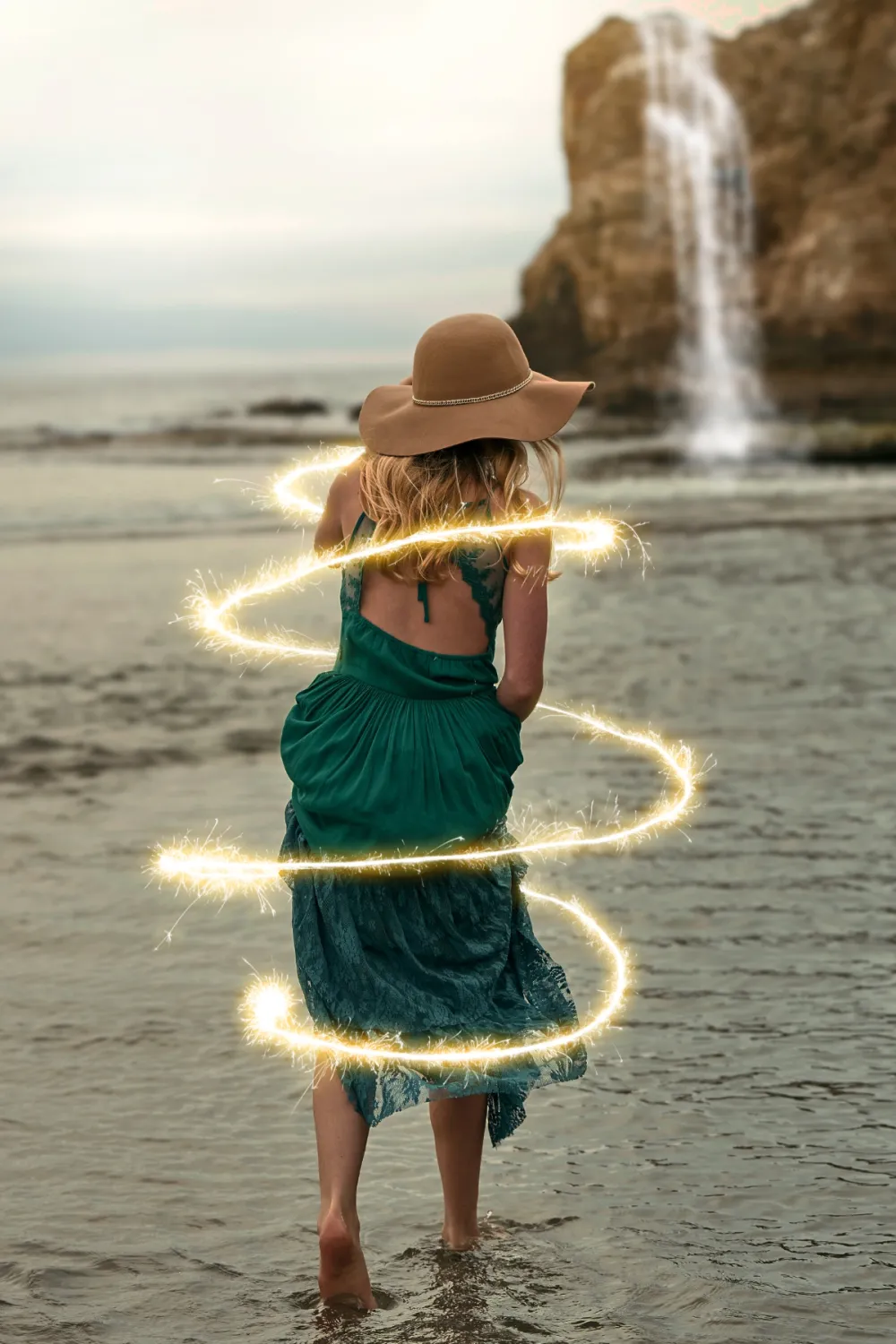 BEFOREAFTER
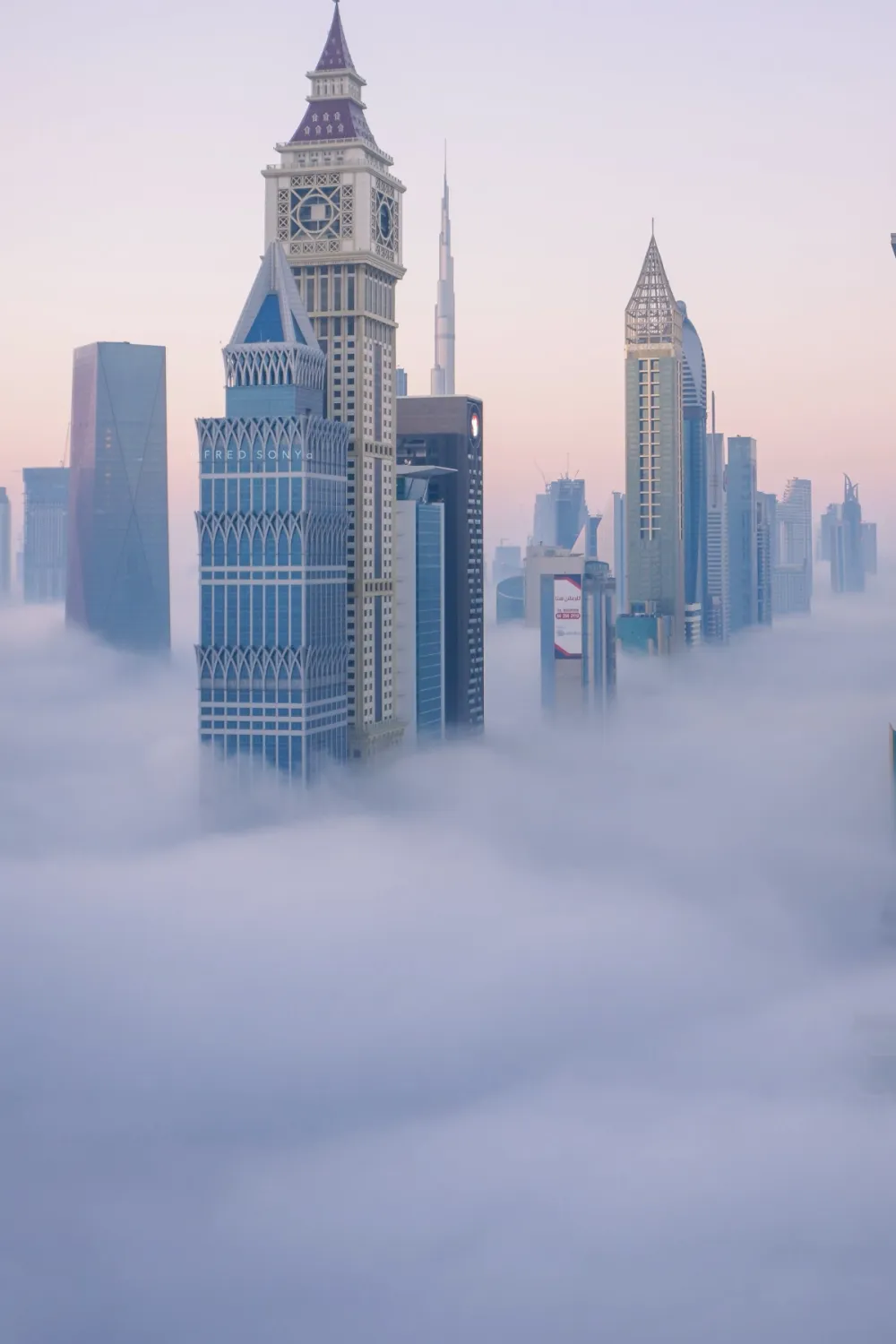
 BEFOREAFTER
THE ULTIMATE CREATOR BUNDLE
Hundreds of Creative Resources. Ready When You Are.
Stop building every spark, cloud, and texture from scratch. Brushes, assets, fonts, and tutorials designed to help you create more in Affinity.
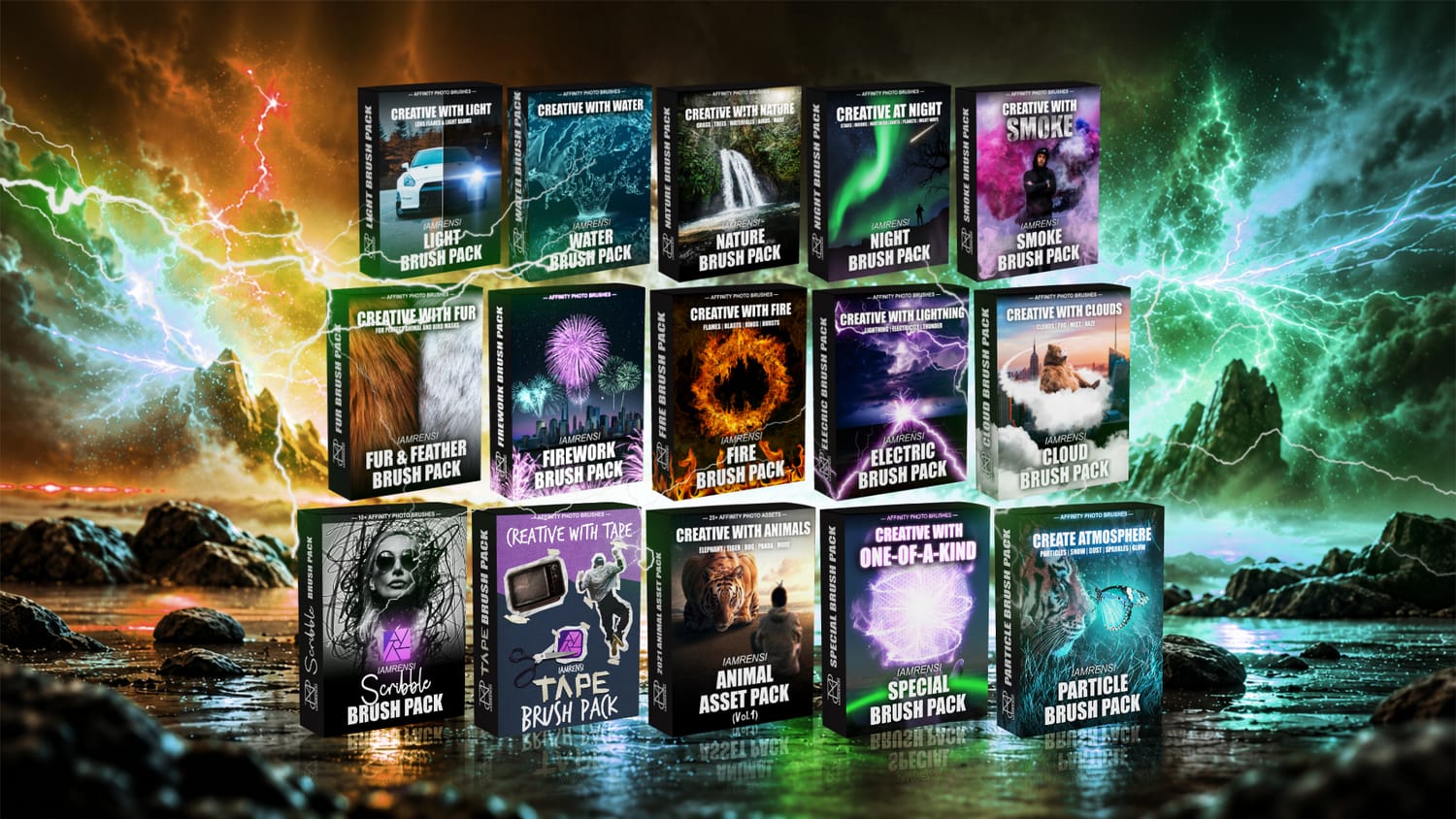
250+ brushes · 50+ assets · 4 handmade fonts · 15 packs · 20+ tutorials
Compatible with Affinity V2 and V3. Some tutorial recordings feature earlier versions of Affinity.
See the Magic in Action.
Effects created with resources from the bundle. This video features an earlier version of the brush collection, which has since grown to 250+ brushes.
Light Brush Pack
Water Brush Pack
Nature Brush Pack
Night Brush Pack
Smoke Brush Pack
Fur Brush Pack
Firework Brush Pack
Fire Brush Pack
Electric Brush Pack
Cloud Brush Pack
Scribble Brush Pack
Tape Brush Pack
Particle Brush Pack
Special Brush Pack
Animal Asset Pack
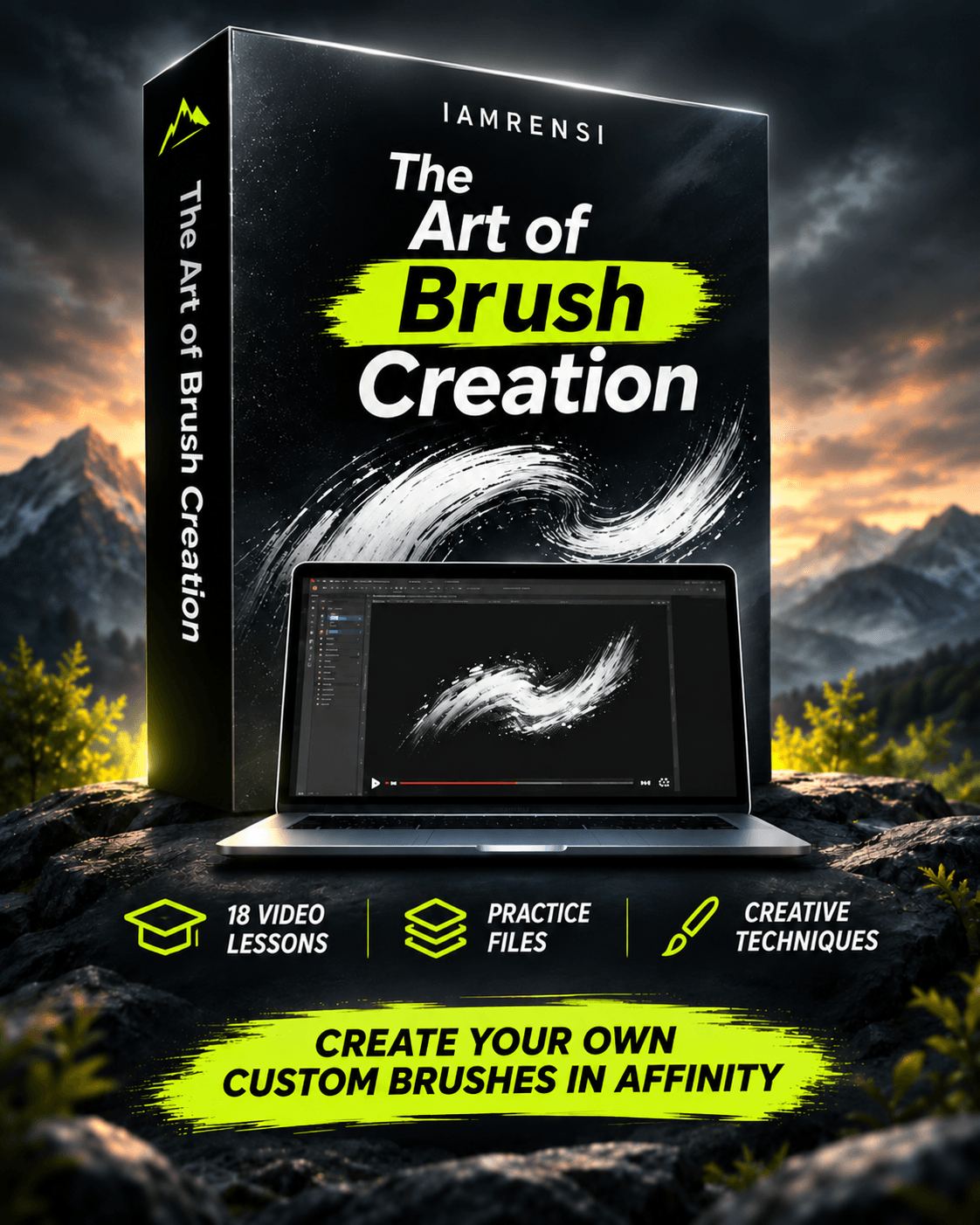
THE ART OF BRUSH CREATION · VIDEO COURSE
Don't Just Use Brushes. Learn to Make Your Own.
Knowing how to create your own tools opens up even more possibilities. In this course, I'll walk you through making custom brushes in Affinity, step by step.
18 video lessons · Downloadable practice files · Practical techniques
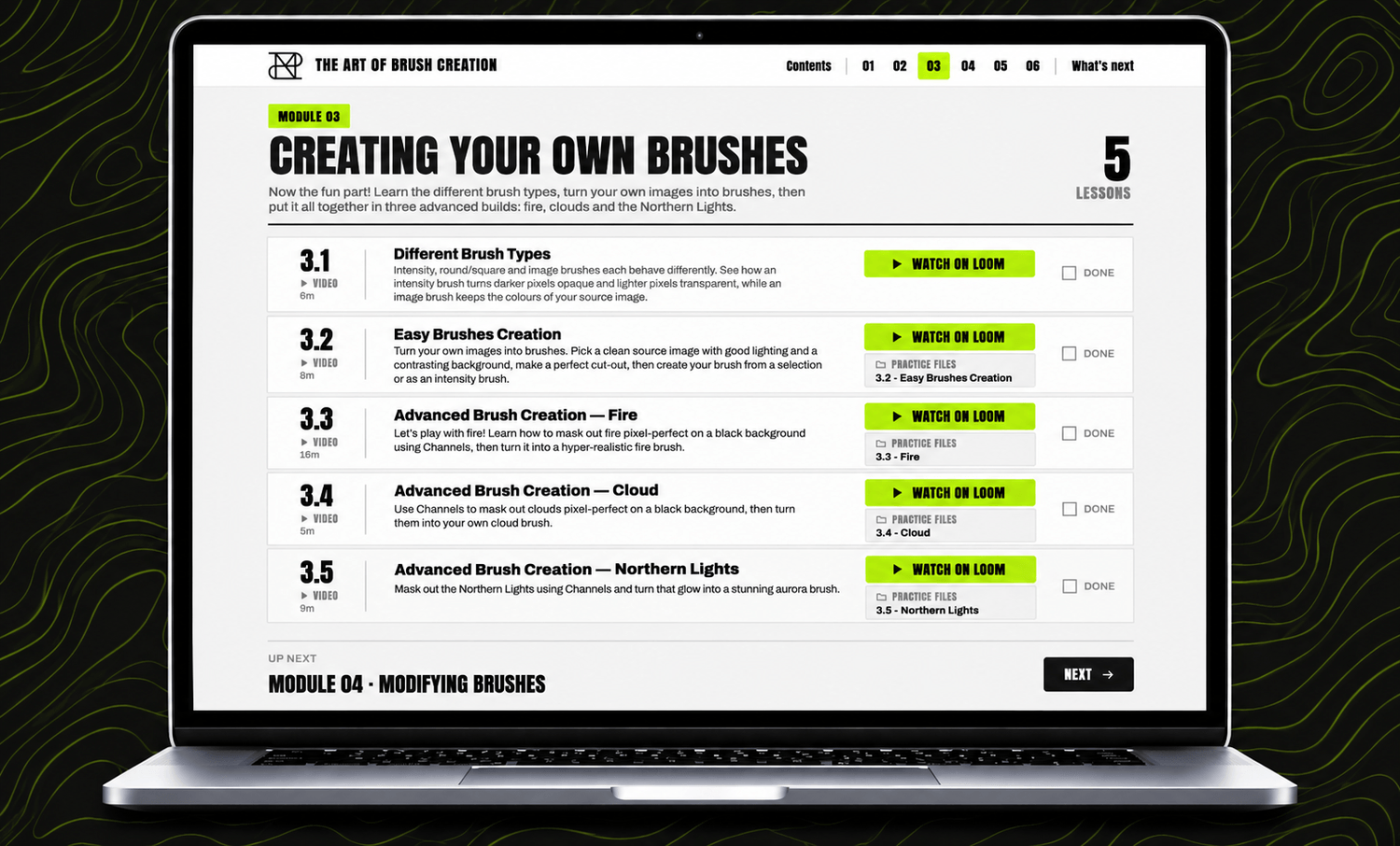
Course recordings use Affinity V2. Some interface details may differ in newer versions.
What You'll Learn.
How brushes work in Affinity
Building and customizing your own brushes
Practical brush creation techniques
Turning your own ideas into reusable tools
No need to figure it all out on your own. Follow along, experiment, and create brushes that are uniquely yours.

FROM FELLOW CREATORS
Made for Creators. Loved by Creators.
Here's what fellow creators say about IAMRENSI's brushes, resources, and tutorials.
“
I've also bought this collection of brushes, and it's great. I use the brushes to add to my images, but also for masking. Highly recommend it- if you haven'talready got it.
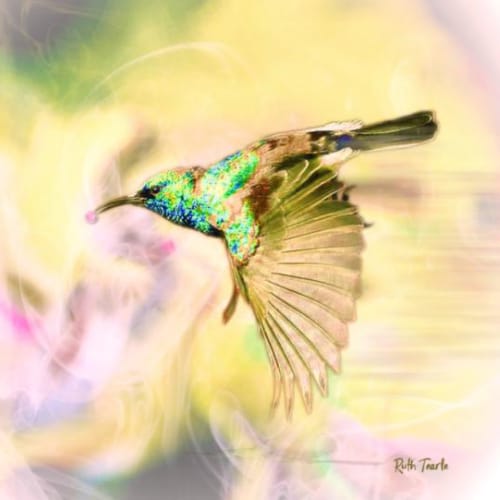
Ruth Tearle

“I bought this package several months ago! It was worth every penny!!! I learned so much, I hated finishing the training videos because I didn't want the experience to be over! The brushes are an awesome addition to anyone's arsenal!”
Kirby Tucker
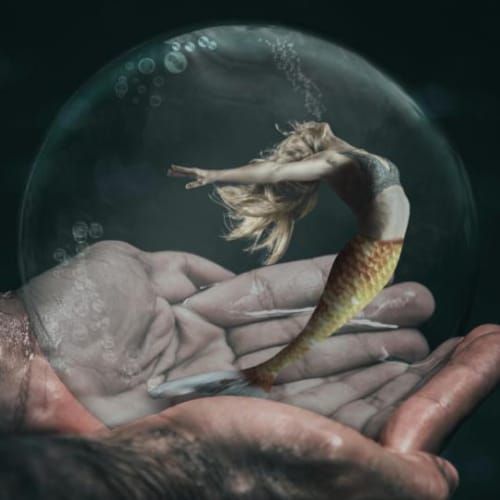
“I've got it already and it's amazing! For anybody considering this brush bundle I highly recommend it. The brushes are so easy to use and make such a difference to your photo edits / composites.”
Saara Ord

“Great collection of brushes and the course is so informative. Purchase if you haven't already, you won't regret it”
Jonathan Berry
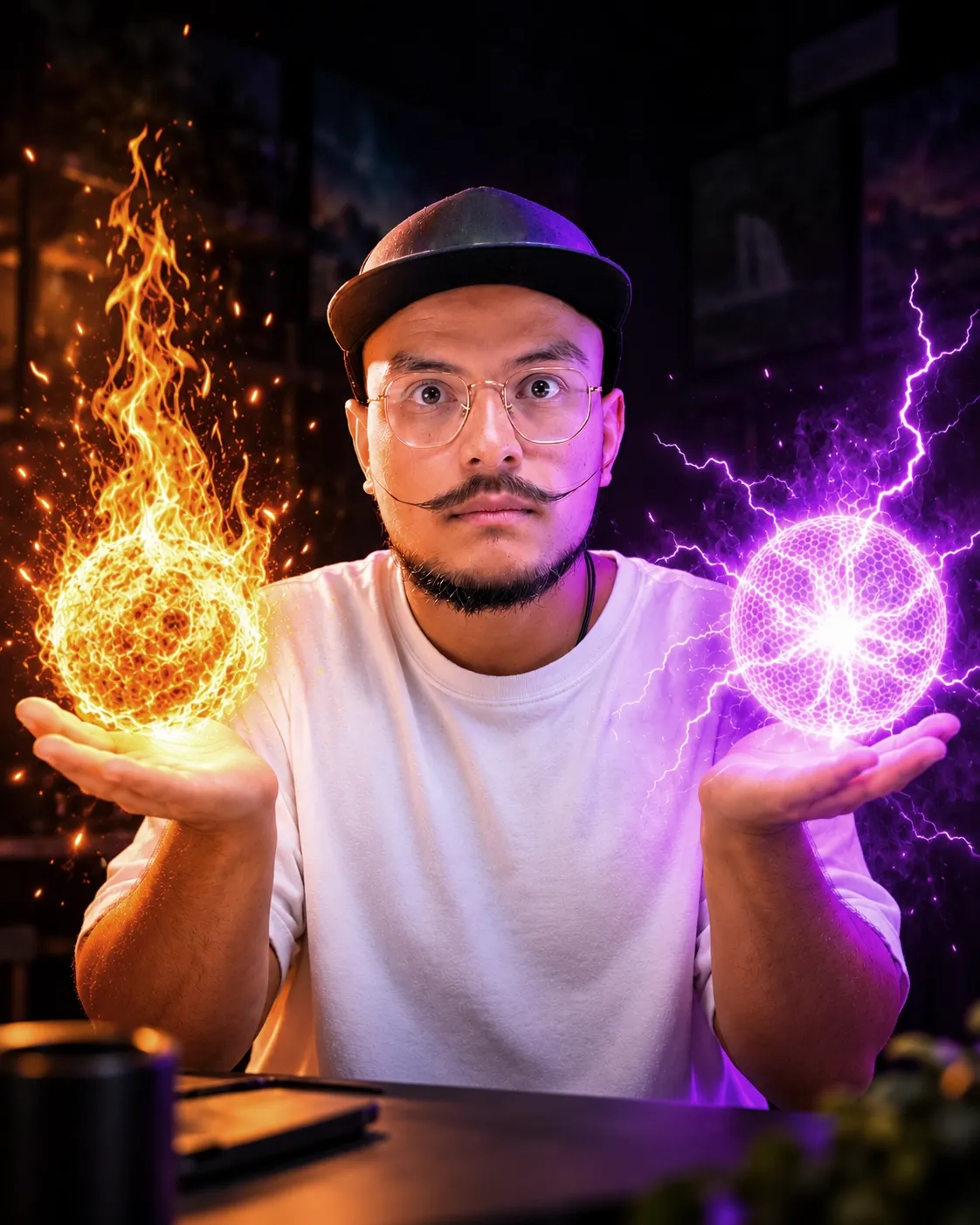
Hey, I'm Rens. You Might Know Me as IAMRENSI.
I've spent years experimenting with Affinity, creating digital artwork, and sharing what I've learned through tutorials — making the brushes, assets, and tools I wished I'd had for my own projects.
What started as a collection of brushes has grown into the IAMRENSI Creative Suite: the tools I've created and the techniques I've learned, so you can spend less time on repetitive work and more time bringing your ideas to life.
Because creating should be fun. And there's always something new to explore.
— Rens
YOUR COMPLETE CREATIVE TOOLKIT
Ready to Bring Your Ideas to Life?
Everything you need to create faster, learn new skills, and explore new creative possibilities.
The Ultimate Creator Bundle — €67
250+ brushes, 50+ assets, 4 handmade fonts, 15 packs, and 20+ video tutorials.
The Art of Brush Creation — €47
18 step-by-step video lessons and practice files for creating your own brushes.
The Effects Studio — €27
Browser-based tool for unlimited custom effects and transparent PNG overlays.
Combined individual value: €141
BLACK FRIDAY SPECIAL
€67
Save €74 when you get all three together.
One-time purchase. Instant digital delivery. No subscription.
Personal & commercial use included. No attribution required.
Frequently Asked Questions.
The bundle and course are designed for Affinity and support compatible V2 and V3 workflows (features may vary by version). Effects Studio runs in your browser and exports transparent PNGs for any compatible editing software.
Yes. Ready-made resources and step-by-step tutorials help you get started. Basic familiarity with Affinity is helpful, especially for the brush creation course.
Some tutorials and the Art of Brush Creation course were recorded in Affinity V2. The techniques still apply, though some interface elements and workflows may differ in V3.
Yes. The included resources come with a commercial-use license, subject to its terms. Redistribution or resale of the original resource files is not permitted.
It's a browser-based tool. After purchasing, you'll receive an access guide with a link and access code. Choose an effect, customize it, and export it as a transparent PNG.
No. The Creative Suite is a one-time purchase with no recurring fees for the included products.
After purchasing, you'll get access to your downloads, course materials, and Effects Studio access guide via the confirmation page and email.
Yes, the supported brushes and assets work in compatible Affinity V3 workflows. Some resources and tutorial demonstrations may behave differently depending on your version and platform.
Your Next Creative Adventure Starts Here.
Hundreds of creative resources, step-by-step training, and your own visual effects playground — in one complete toolkit.
Get the IAMRENSI Creative Suite for €67.
One-time payment. No subscription. Instant digital access.
© 2026 IAMRENSI · Rens van Daalen Creative
KvK: 97489190 · VAT ID: NL005273581B41
Questions? rens@iamrensi.com